|
|
|
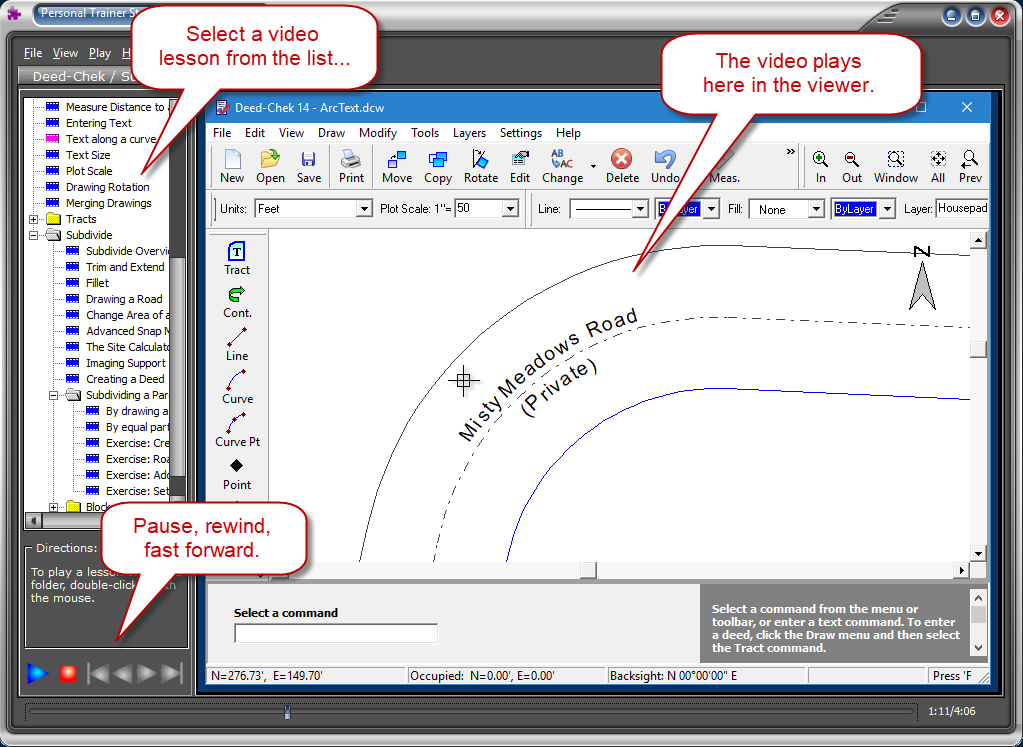
Train your team and get up to speed quickly with the included multi-media training videos. There are over 5 and a half hours of video covering nearly all aspects of the software.
| You don't need to watch all 5 and a half hours.... just skip around and watch the topics that you need to learn about. |
Sample Lessons (in YouTube):
Each lesson is a short movie of the actual software in action. The instructor takes you step-by-step through real-world examples as he explains each of the features of the software. You can pause, fast-forward, and rewind at any time. Watch videos as many times as you wish.
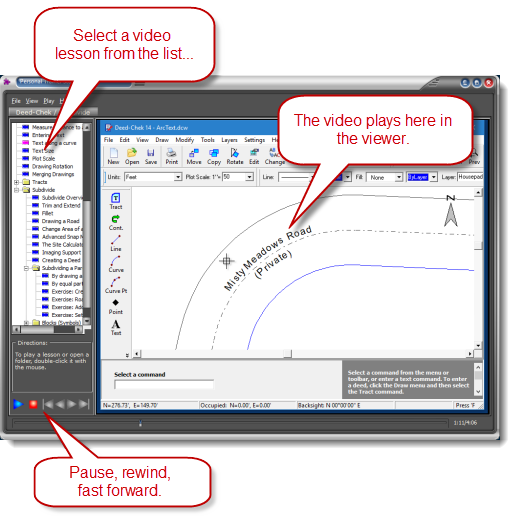
Click for larger image
Partial List of Lessons
- Introduction
- Overview
- New Features
- Getting Help
- Drawing aids
- Selecting objects
- Layers
- Overview
- Colors
- Hidden and locked layers
- Layer commands
- Grouping
- Scaled hatching
- Annotations
- Overview
- Annotations on/off
- Line annotations
- Curve annotations
- Tract annotations
- Curve and line tables
- Entering a Deed
- Editing drawing objects
- Drawing arrowheads and leader lines
- Setback lines
- Drawing a house pad
- Positioning a house pad
- Measure distance to a house
- Entering text
- Text along a curve
- Text Size
- Plot scale
- Drawing rotation
- Merging drawings
- Tracts
- Tract overview
- Drawing a tract
- Sectional breakdown
- Join and explode
- Editing a tract
- Subdivide
- Subdivide overview
- Trim and extend
- Fillet command
- Drawing a road
- Change area of a lot
- Advanced snap modes
- The site calculator
- Imaging support
- Creating a deed
- Subdividing a parcel
- By drawing a line
- By equal parts or area
- Exercise: Creating a subdivision
- Blocks
(symbols)
- Introduction
- Block definition
- Inserting a block
- Modifying a block
- Block attributes
- Default blocks
- Google Features
- Exporting to Google Earth
- Find location in Google Maps
These tutorial videos are included free with every copy of the software.
|
| |
|